
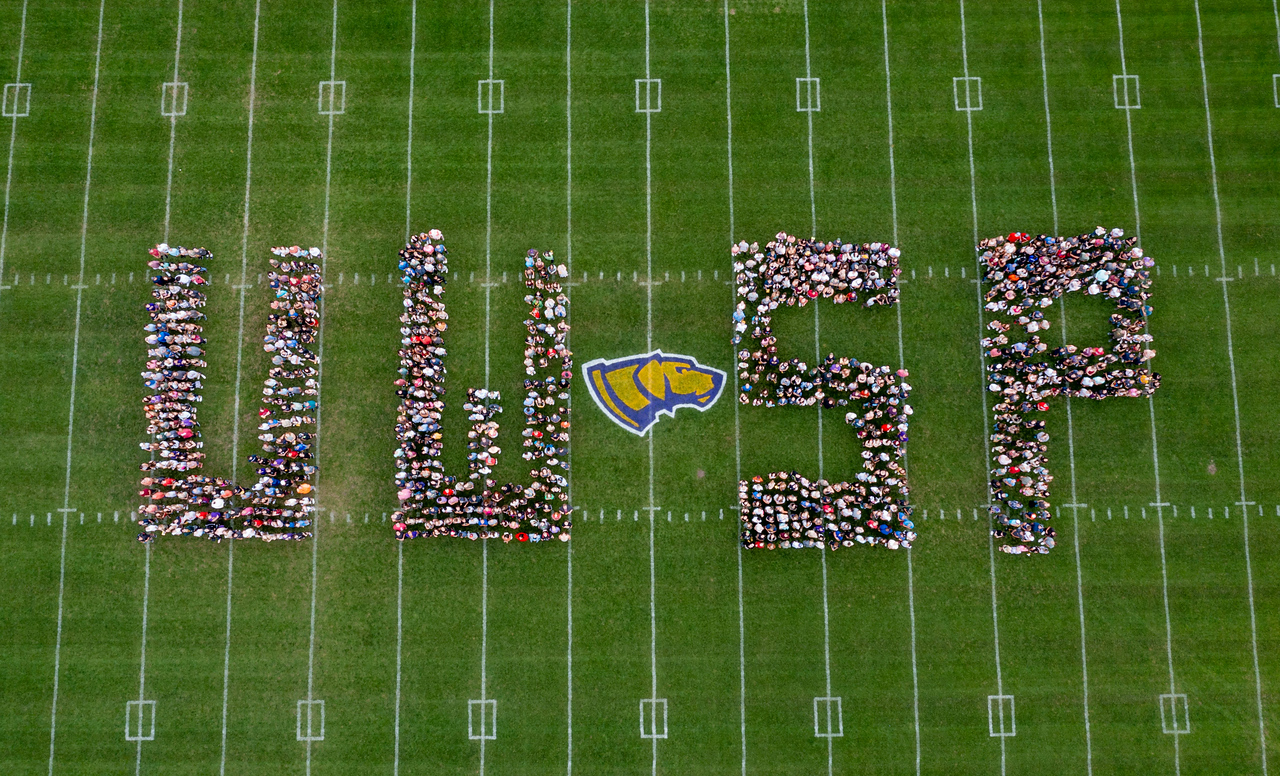
Let us help get your ready for your new UWSP job!
We are excited that you have selected to join a team of professionals dedicated to serving our students, disciplines and institution as a whole. Welcome to the Pointer team! Use this website to prepare for employment and becoming a Pointer. The Human Resources team is committed to supporting your transition and onboarding. This on-demand resource provides you the information for you when you need it. Return to this page as often as necessary to support your acclimation
While this page is primarily meant for Faculty and Staff, student employees may also use the resources here to support employment onboarding. If you are a student employee, ensure you review student employment.
PREPARING FOR YOUR FIRST DAY
Getting To and Around Campus
There are many sidewalks and green spaces around campus to enjoy. Parking options vary between campus and city. Please abide by all parking ordinances.
What to Wear
Most departments have a business casual dress code. Departments that require specific uniforms will let you know prior to the first day. For clarifications or additional questions, ask your supervisor.
Pointer Pride Fridays! Wear your Pointer apparel any day* to show Pointer pride. On Fridays – let’s come together and really show it! If your role requires a uniform, speak to your supervisor about Pointer Pride Fridays.
Dining On Campus
Your department or building may have a shared employee kitchenette area for you to prepare and heat up meals and/or snacks. Speak with your department to learn more.Most buildings have vending machines offering snacks and beverages.Faculty and staff are welcomed to dine in student dining areas on all campuses.
Link to UWSP Dining etc.
Activate Your Network Account
Prior to your start date, you should receive notice to activate your account and UWSP email. IT wlil contact your directly to set this up.
ADD LINK TO IT
Moving to the Area
Finding A Place to Live
Schools and Childcare
Parks and Recreation
UWSP Activities and Events
ADD Links to UWSP Departments
Community Events and Activities
Moving Vendors and Relocation
UW System has a contract for discounted moving services.
- UW Stevens Point Relocation Guidelines.pdf
-
Any relocation received is taxed.
Need Help Settling In?
Need help to unload your moving truck? Looking for a sitter for date night? Need help to tame the back yard? Contact Campus Activities and Student Engagement (CASE) to list your part-time job for free!
Contact CASE at 715-346-4700 or submit your request online here.
During Your Initial Days
First Day
Your first few days will focus on learning foundational information to support your wellbeing and safety.
- Attend the HR New Hire Orientation (HR sets this up with your suprervisor)
- If not already completed in person, have your non-expired supporting documentation to verify your employment eligibility at Human Resources, Old Main 133.
- If you are at the any other UWSP location, confirm with Human Resources how to have your employment verified in person.
Photos
Faculty and staff are eligible for a professional photo every 2 years and are encouraged to update them every five years. If you need a photo for a newspaper, magazine, or other media outlet, our photographer, Tom Charlesworth, can take and submit the photo directly to that medium. Please make arrangements 5 business days in advance of need.
Point Card
Obtain your PointCard, the UWSP employee photo identification and access card.
If not already scheduled with your department, confirm or coordinate (with your department) the date for your UWSP professional photo to be taken.
Employee ID vs PointCard Number
The number on your PointCard is not your employee ID number. Your employee ID number is a unique 8-digit number assigned to all University of Wisconsin System employees. This number is located on your earnings statement and in Workday.
Understanding Your Employee Category
There are several employment categories within the University of Wisconsin System. Your employment category impacts/plays a role in your contract period, benefits, how you do your timesheet and/or leave, job security, and more.
Time & Absence Reporting and Earnings
UW System uses an electronic system, referred to as the Workday for employment related processes, including time reporting, leave reporting, and payroll.
Visit the ADD WORKDAY INTERNAL PAGE to learn about how to enter time and/or leave, find and understand your earnings statement, and more.
Performance Management
During your initial days and weeks you and your manager should discuss your position description in detail along with the expectations specific to your role and working within your department.
Within the first few days or week of starting you may receive notices from Workday notifying you of action regarding performance reviews. These are automated and are not aligned with your hire date. Talk with your supervisor about what steps to take for setting up goals or expectations to support your performance.
Communications
UWSP email is our main source of communications. You will also recieve communications within Workday and from the UWSP Campus Announcements.
Sustainability Commitment
Sustainability has been a critical component of our campus culture for decades, and we are proud to be a role model and leader for other institutions.
Wellness
Around the world, UW-Stevens Point is considered as the home of wellness. In fact, the National Wellness Institute was founded here and still maintains a close relationship with our academic program
Services & Support
In addition to HR and IT, there are many departments and services at UWSP to support your success! Don’t forget to take your new employee safety training!