
Zoom Background Templates
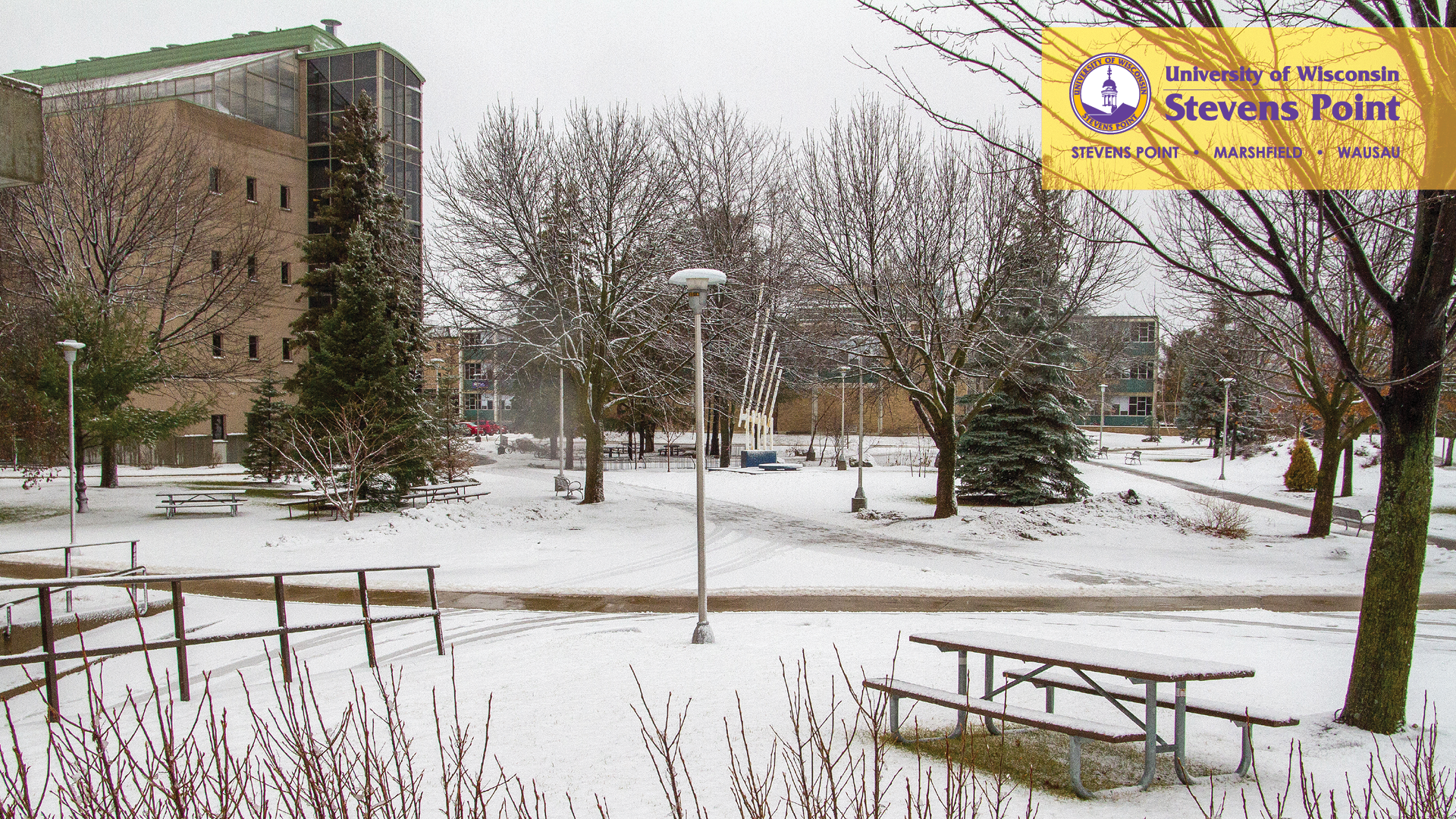
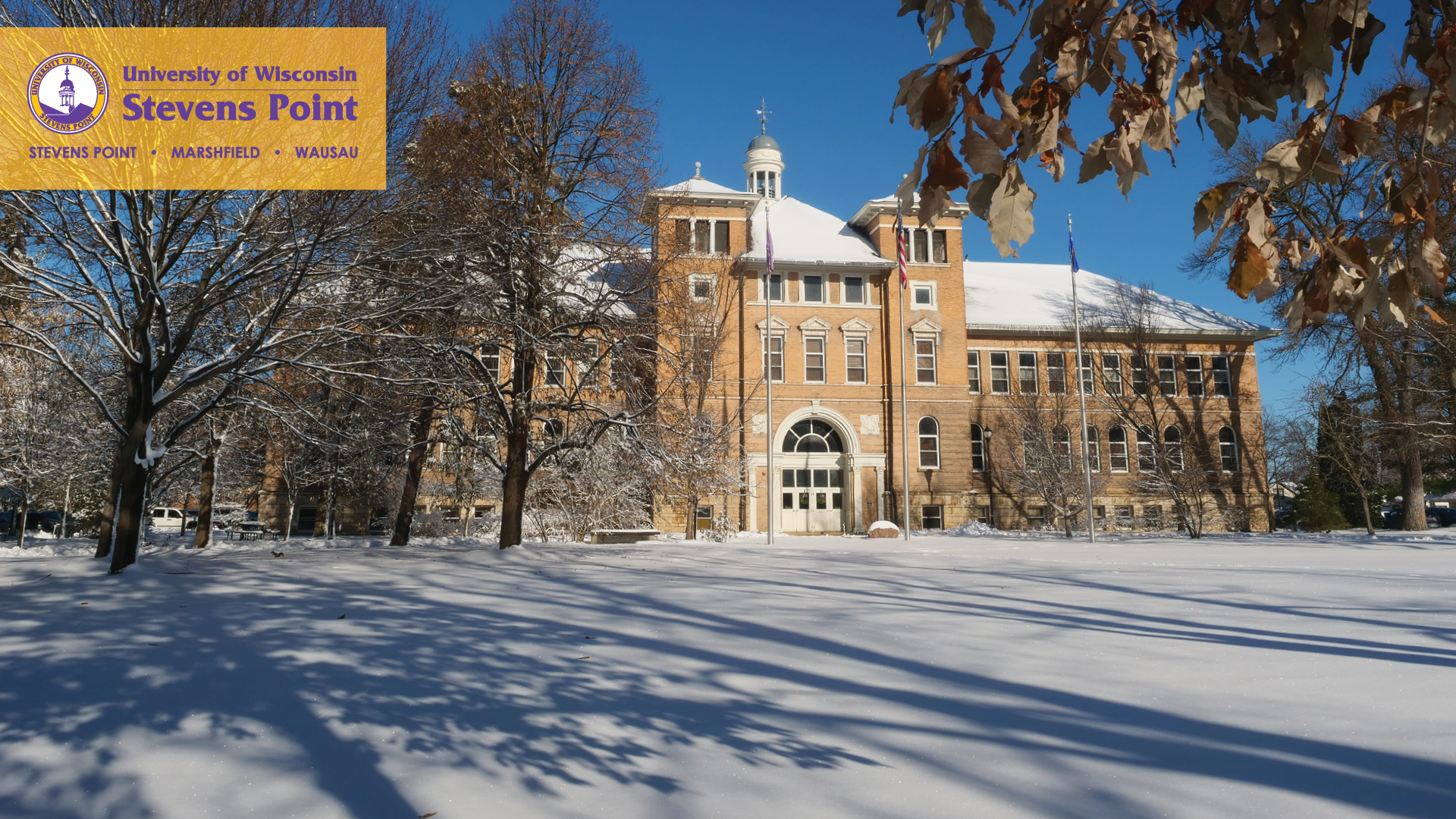
The Zoom background templates can be used for all UW-Stevens Point meeting/class video conferencing. Please follow the instructions below to set one of the templates as your background image. (If unable to open, right click on the link and “Save Target As.”)
Discover Your Purpose Templates
- General DYP Background
- DYP Purple Background or DYP Purple Background 2
- DYP Gold Background or DYP Gold Background 2





Campus Templates
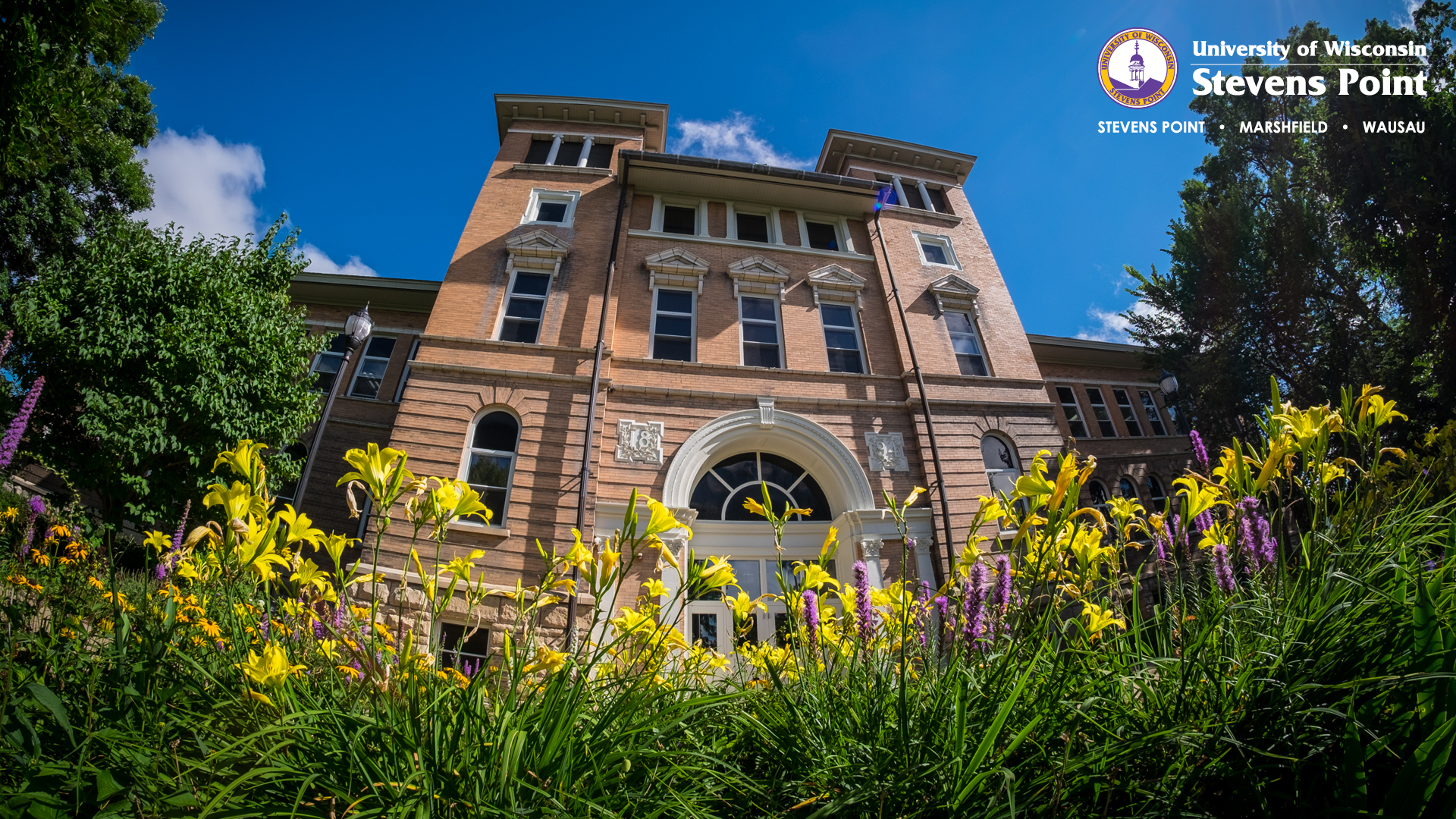
- Old Main
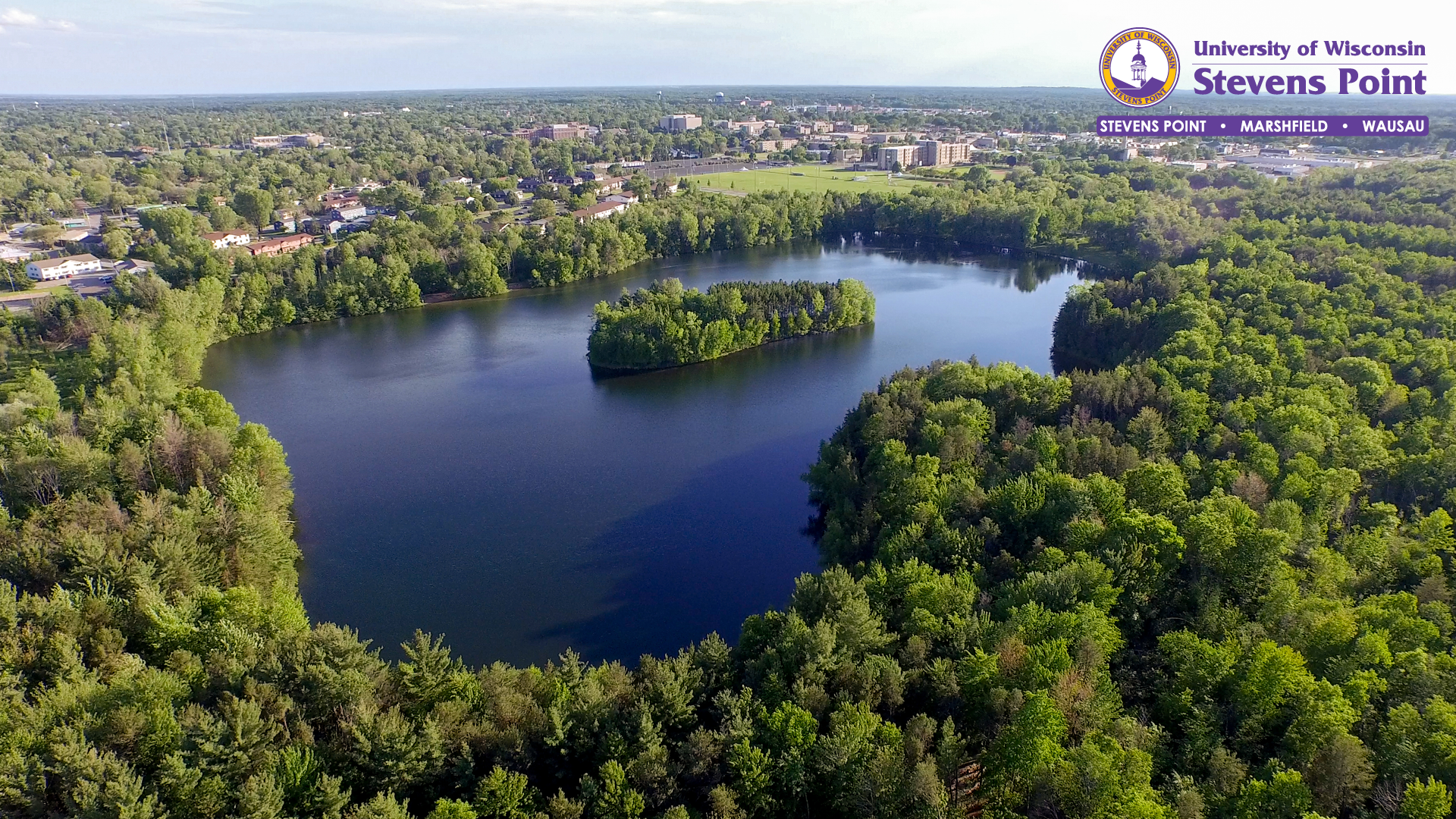
- Schmeeckle Reserve
- Dreyfus University Center Iris Fountain
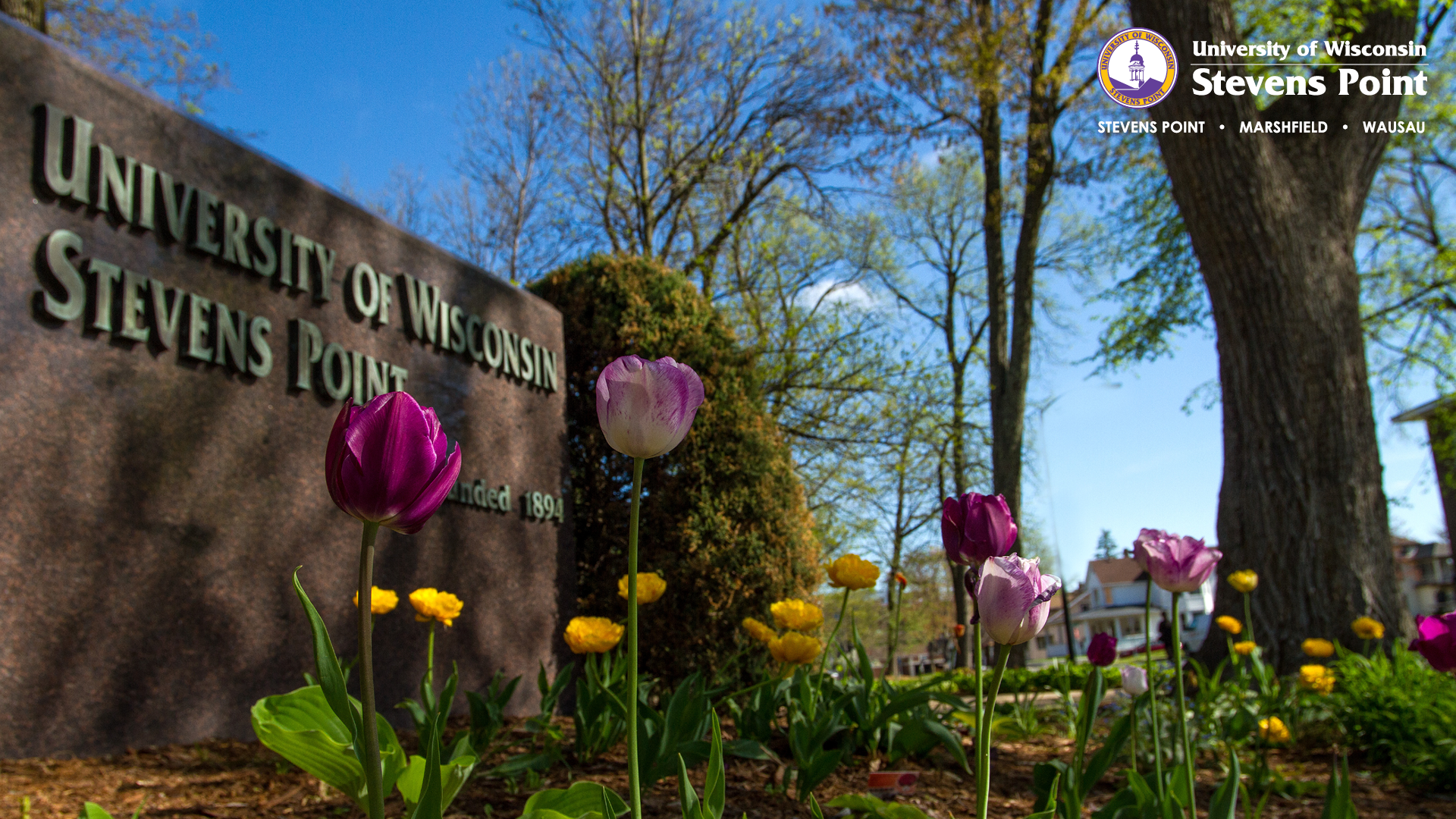
- UW-Stevens Point Marble Sign
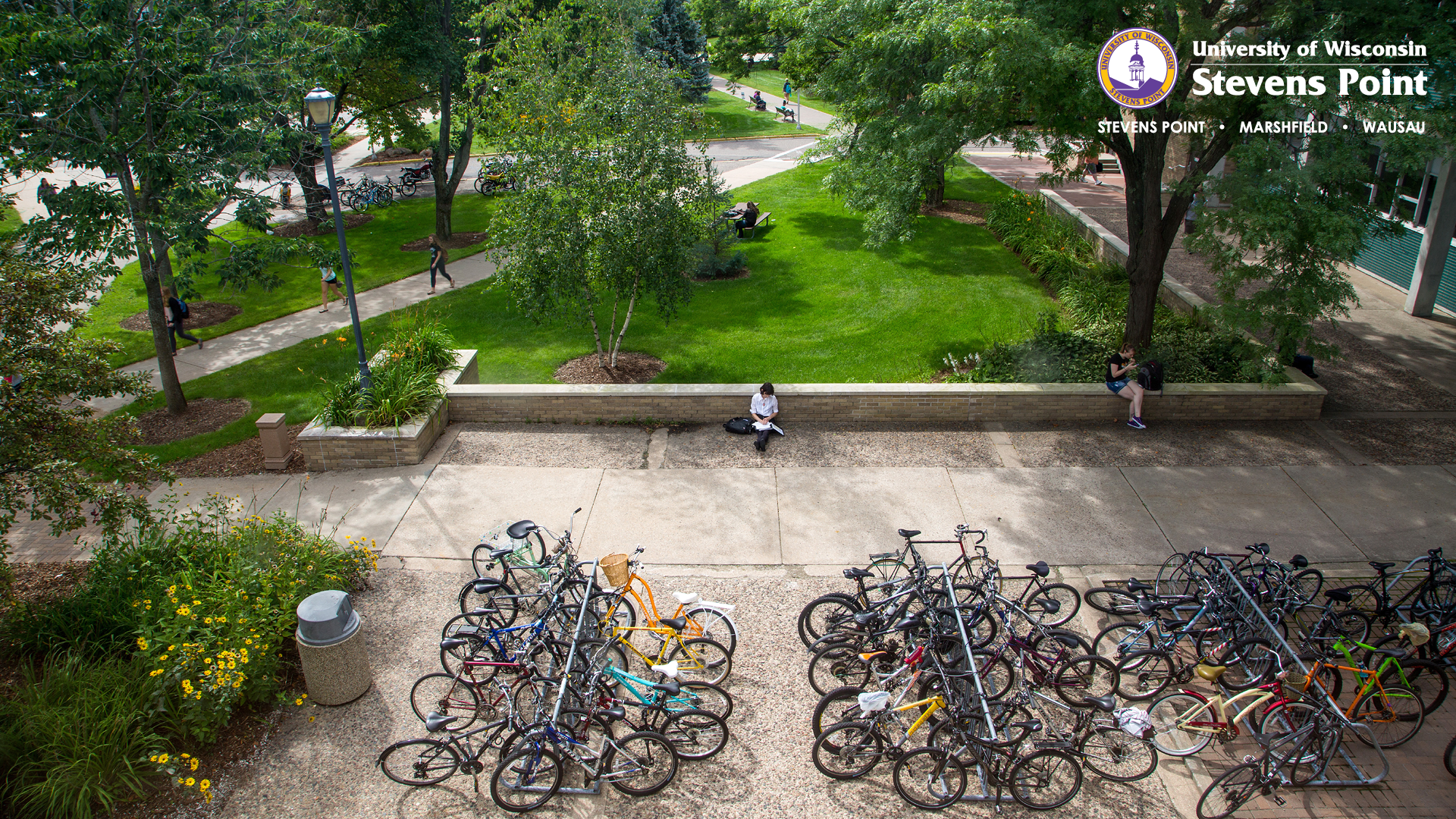
- Bicycles on campus
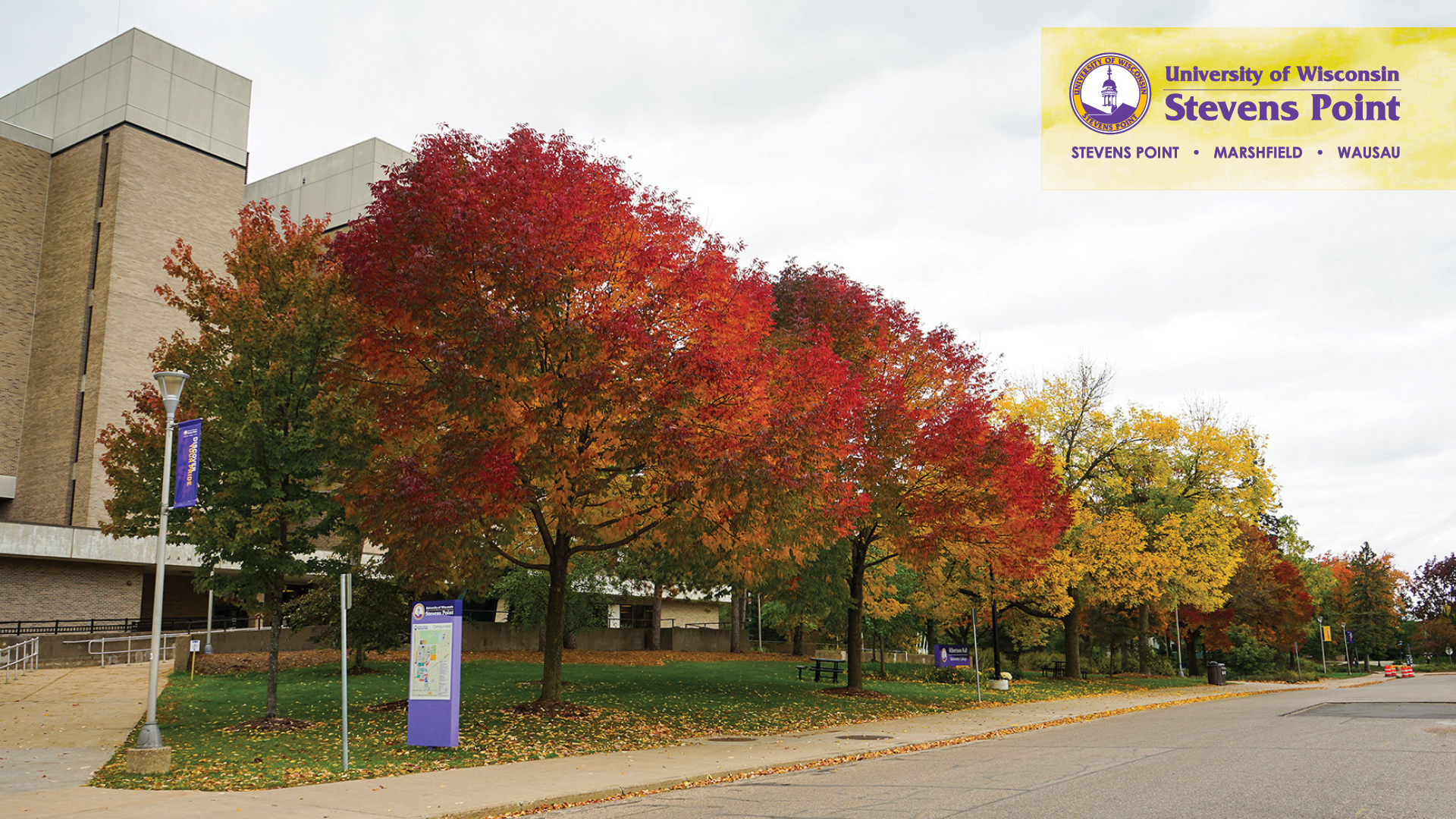
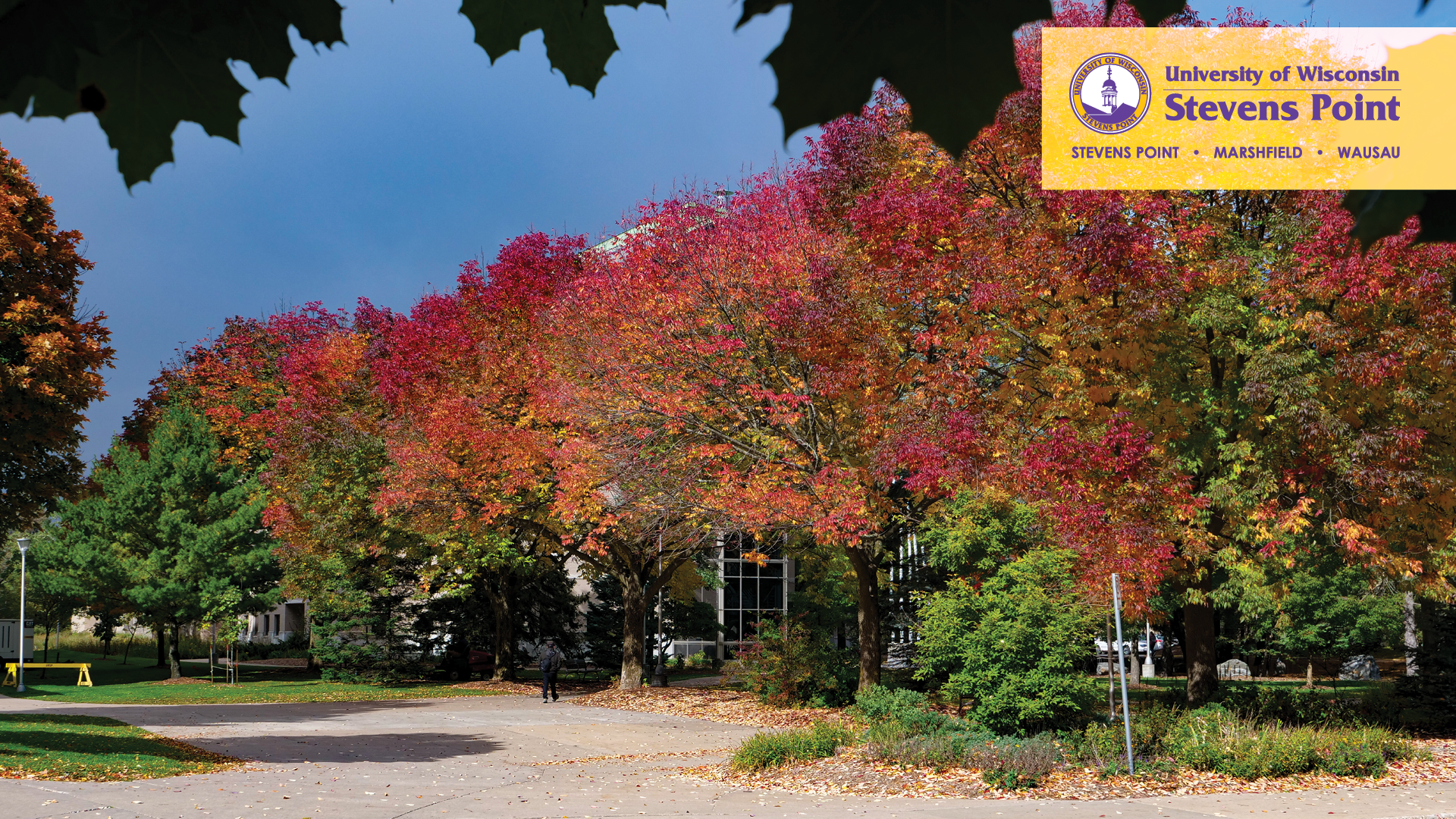
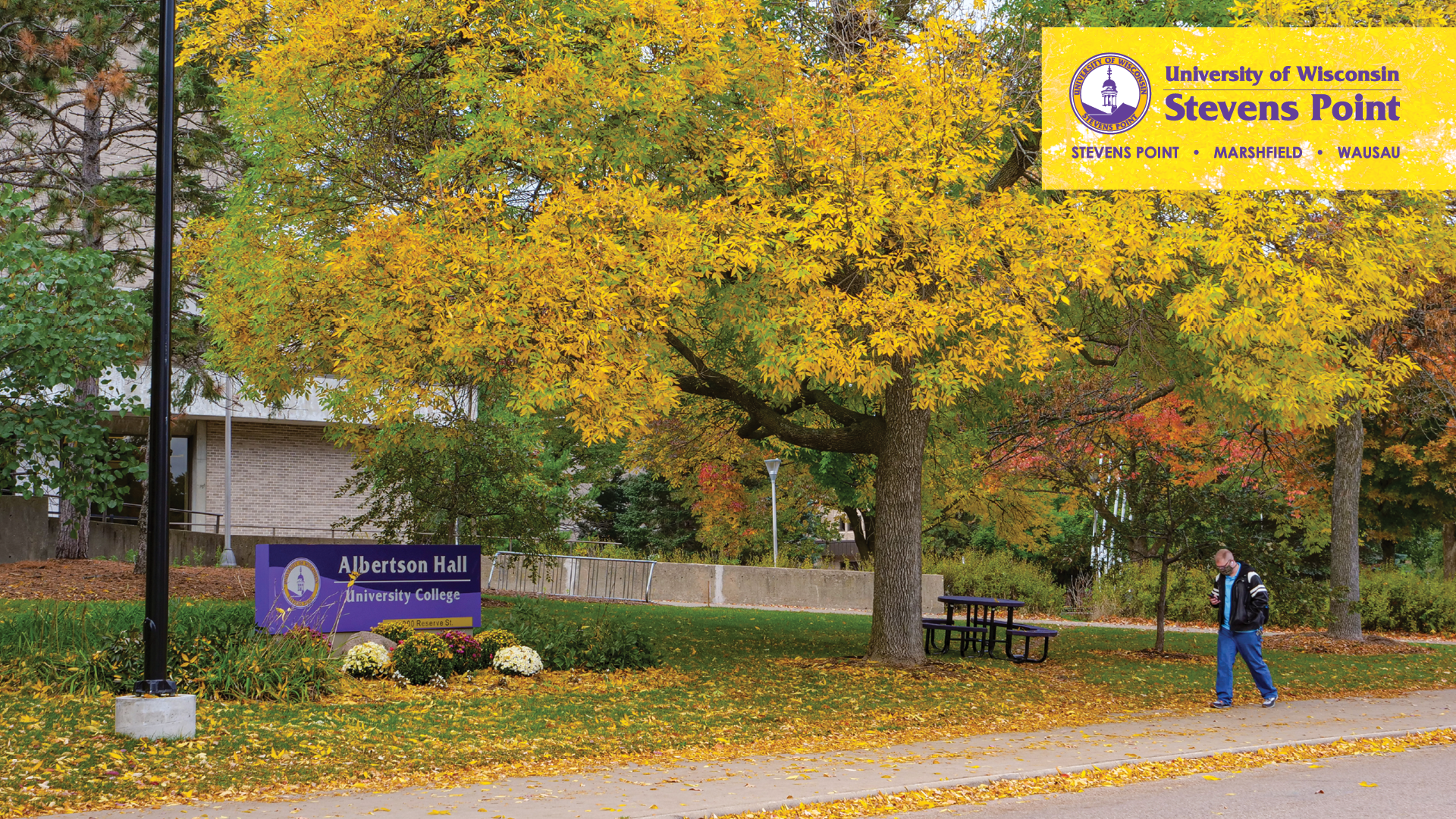
- Fall 1
- Fall 2
- Fall 3
- Fall 4
- Fall 5
- Fall 6
- Fall 7
- Fall 8
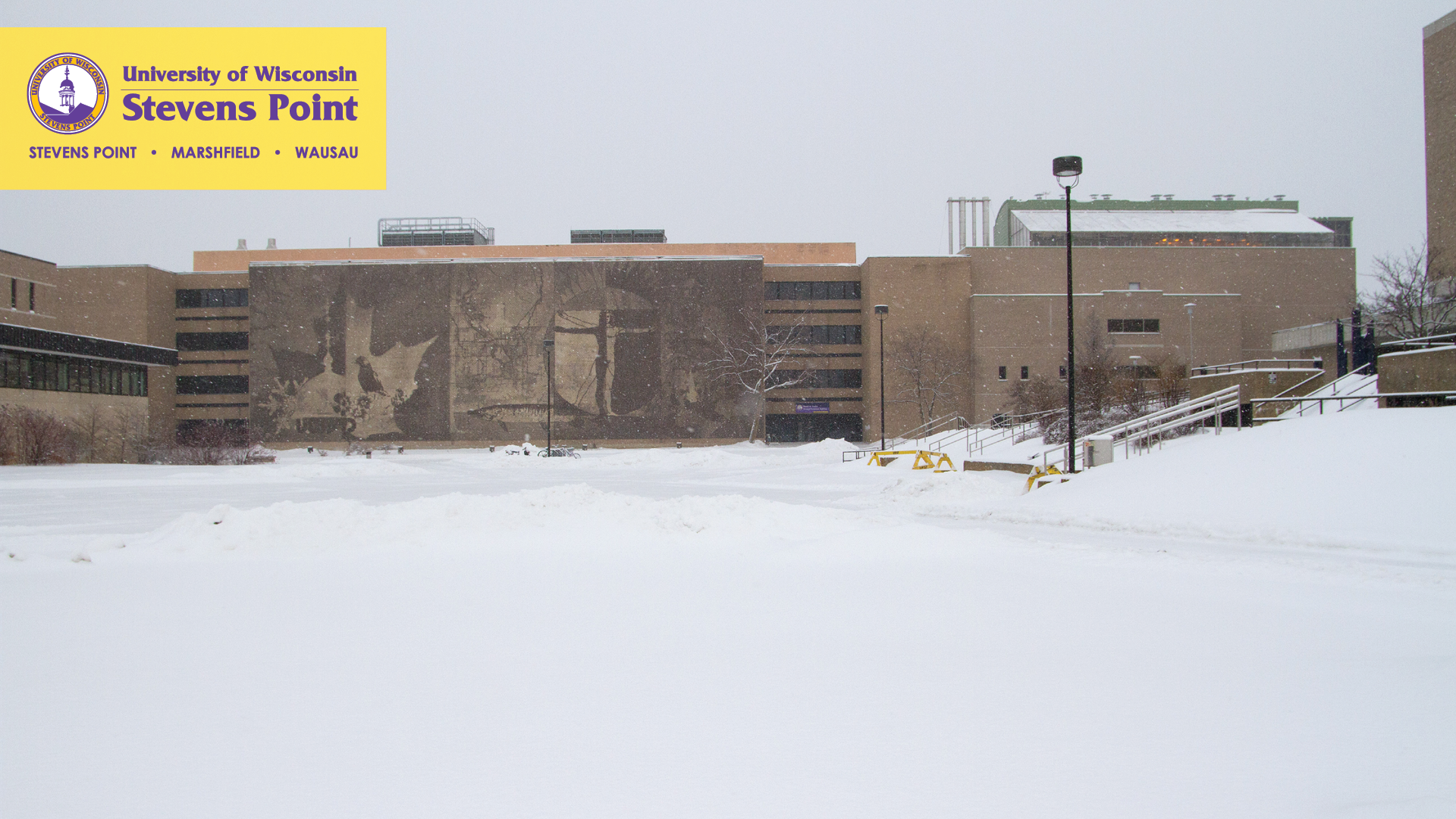
- Winter 1
- Winter 2
- Winter 3
- Winter 4
- Winter 5
- Winter 6
- Winter 7
- Winter 8
- Winter 9
- Winter 10
- Holiday 1
- Holiday 2
- Holiday 3
- Holiday 4
- Holiday 5
- Holiday 6
- Holiday 7
- Holiday 8
- Holiday 9
- Holiday 10
- Holiday 11
- Holiday 12
- Holiday 13
- Holiday 14
- Holiday 15
























Athletic Templates
- Pointers Background 1 or Pointers Background 2
- Huskies Background 1 or Huskies Background 2
- Marauders Background 1 or Marauders Background 2






Using Virtual Background
1. Sign in to the Zoom desktop client.
2. Click your profile picture then click Settings.
3. Select Virtual Background.
4. Click on an image to select the desired virtual background or add your own image by clicking + and choosing if you want to upload an image or a video.
5. If prompted, click Download to download the package for virtual background without a green screen.
Notes:
After you select an option, that virtual background will display during your meetings.
By default, Zoom flips the video image.
In Settings / Virtual Background, uncheck Mirror my video.
To disable Virtual Background, choose the option None.
PowerPoint poster templates
Use these PowerPoint templates when formatting posters for all UW-Stevens Point projects, such as Posters in the Rotunda and campus research symposiums. These sizes were set for UW-Stevens Point Printing and Design use. (If unable to open, right click on the link and “Save Target As.”)
Landscape format
General – UW-Stevens Point
Discover Your Purpose
Vertical format
General – UW-Stevens Point
PowerPoint presentation templates
Use these PowerPoint templates when formatting presentations. (If unable to open, right click on the link and “Save Target As.”)
General – UW-Stevens Point
4:3 ratio format
widescreen format
College of Fine Arts and Communication
4:3 ratio format
widescreen format
College of Letters and Science
4:3 ratio format
widescreen format
College of Natural Resources
4:3 ratio format
widescreen format
College of Professional Studies
4:3 ratio format
widescreen format
General – UW-Stevens Point at Marshfield
4:3 ratio format
widescreen format
General – UW-Stevens Point at Wausau
4:3 ratio format
widescreen format
General – Logo with all three campuses listed
4:3 ratio format
widescreen format
Discover Your Purpose DYP-PPTtemplate-16-10ratio.pptx